
In a monument shop, wasted time means more than a missed deadline; it creates stress for your team and delays for grieving families. The constant search for order details, design proofs, and inventory status drains hours from every week. Purpose-built monument shop software gives your team a single source of truth, centralizing information to reduce confusion and reclaim valuable time.
1. Centralize Order Information and Eliminate Double Entry
How often does someone have to walk from the office to the shop floor just to ask a question about an order? A typical monument order involves dozens of details, from the family’s contact information and the cemetery location to the stone type, dimensions, design files, and epitaph. When this information lives in different places—a paper folder, a spreadsheet, an email chain, and a notebook on the designer's desk—your team wastes time just trying to find the facts.
This fragmented approach also forces you to enter the same information multiple times. The salesperson writes it on an order form, the office manager types it into a spreadsheet and QuickBooks, and the designer re-enters details into their CAD program. Each time the data is re-keyed, you risk introducing errors that lead to costly rework or, worse, a mistake on a finished stone.
Modern monument shop software acts as a central hub for every order. From the moment a quote is created, all information is stored in one place. Your designer, shop manager, and delivery driver can all see the same, up-to-the-minute details without leaving their workstations. This eliminates the need for constant questions and interruptions, allowing everyone to focus on their work. When your accounting is connected, like with a monument software QuickBooks integration, you also eliminate the time spent on duplicate data entry for invoicing.
2. Streamline the Design and Approval Process
The back-and-forth of the monument design and approval process is a common source of delays. A family requests a change, the designer updates the proof, and someone in the office has to remember to email the new version. If a family calls with a question, you have to dig through emails to find the latest file and confirm they even received it.

This manual process is slow and prone to error. If the wrong version of a design proof is accidentally sent to the stencil cutter, you could end up sandblasting an incorrect date or a misspelled name into a valuable piece of granite. The time spent correcting such a mistake is immense, not to mention the cost of the stone itself.
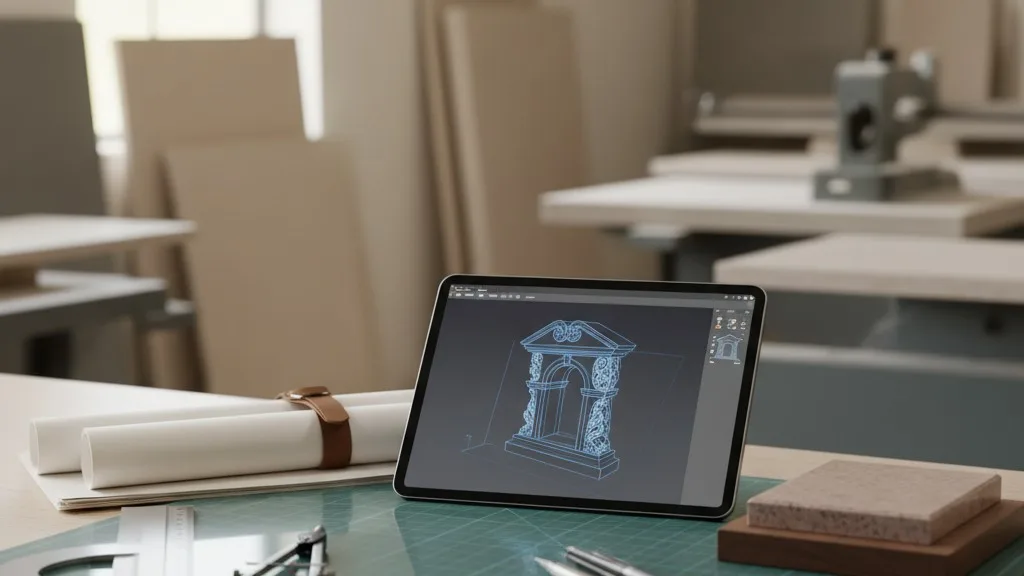
Software built for monument shops brings order to this process. It provides a dedicated space to manage design files, track versions, and log family approvals. When a new proof is ready, the system can notify the family. Their approval is logged directly on the order, creating a clear and permanent record. This gives your production team the confidence to proceed, knowing they are working from the final, approved design. A well-defined system is key to avoiding mistakes, and a structured monument approval process supported by software makes it repeatable.
3. Provide Real-Time Visibility into Production Status
“Where is the Miller monument?” When a family or a funeral director calls for an update, the answer shouldn't require a scavenger hunt. Without a central system, finding the status of a job means interrupting the shop manager, who then has to walk the floor to locate the stone and determine its stage of production. This sequence wastes everyone’s time and pulls your most experienced people away from their primary tasks.
A lack of visibility also makes it difficult to manage workflow and schedule production effectively. It’s hard to know if the sandblasting team is overloaded or if the setting crew has enough work to fill their week. You end up managing by reaction, dealing with whatever is most urgent rather than following a logical and efficient plan.
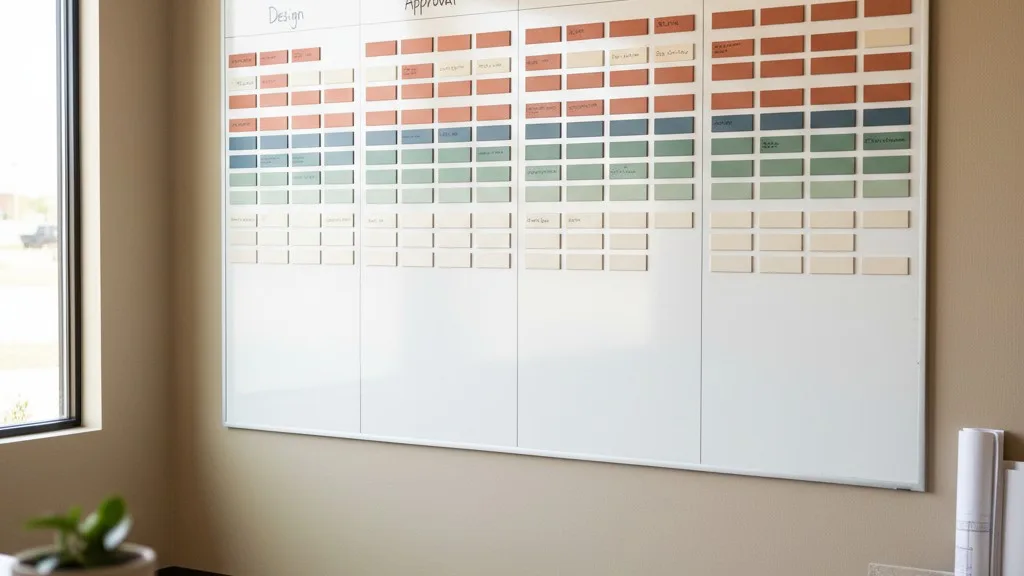
Monument shop software with production tracking solves this. By defining the stages of your workflow—from design and stenciling to sandblasting, finishing, and delivery—your team can update the status of each job with a simple click. Anyone in the company can then see exactly where a monument is in the process without leaving their desk. This immediate access to information empowers your office staff to answer family questions confidently and allows managers to spot bottlenecks before they cause major delays.
4. Simplify Inventory Management for Stone and Supplies
Inventory management in a monument shop is notoriously difficult. Slabs are heavy, remnants are oddly shaped, and it's easy to lose track of what you have on hand. Running out of a popular granite color or a specific type of paint can bring a job to a halt, forcing you to place a rush order and explain the delay to a waiting family.

Manual tracking methods, whether on a whiteboard or a spreadsheet, are rarely accurate. They don't account for material that has been sold and committed to a job but is still physically in the yard. This discrepancy between what your records show and what’s actually available is a primary cause of scheduling errors and last-minute material shortages.
Software with integrated inventory control gives you a live, accurate view of your stock. When a salesperson creates an order for a specific monument, the system can automatically commit the required slab, removing it from the available-to-sell count. This prevents you from selling the same piece of stone twice. It also provides a clear picture of what you need to order and when, helping you maintain adequate stock levels without tying up too much cash in excess inventory. For a deeper look at this, our guide to monument shop inventory management offers a practical framework.
5. Make Scheduling Deliveries and Settings More Efficient
Coordinating monument settings is a complex logistical puzzle. You have to align the availability of your setting crew with the cemetery’s schedule, the funeral director’s needs, and the family’s wishes. A simple miscommunication—the wrong date, the wrong plot number, or a forgotten piece of equipment—can lead to a wasted trip and a rescheduled appointment.
When delivery schedules are managed on a physical calendar or in a separate application, information gaps are common. The person scheduling the delivery might not know that the foundation hasn't been poured yet, or the setting crew might not have the specific gate code for the cemetery. Each of these small details, if missed, can derail the entire day.
Technology can consolidate all scheduling information into a single, shared calendar. When a monument is ready for delivery, all the relevant order details—cemetery address, plot location, contact person, and any special instructions—are already attached to the job. Schedulers can see crew availability and create routes that make geographical sense, reducing drive time and fuel costs. The delivery team can access their schedule from a mobile device, ensuring they have the correct information for every single setting.
6. Improve Communication Between Team Members
Clear communication is the foundation of a smooth-running shop, but it's also one of the first things to break down under pressure. Important details get lost in shouted conversations across the shop floor, scribbled on sticky notes that fall off, or buried in long email threads. When your designer, sales team, and production crew aren't on the same page, mistakes happen.
Think about a change request from a family. The salesperson takes the call and tells the designer, but forgets to inform the office manager who handles invoicing. The designer makes the change, but the updated price is never reflected on the final bill. This leads to awkward conversations, lost revenue, and a less-than-professional experience for the family.
A centralized software system serves as a shared communication log for every job. Instead of relying on memory, team members can add notes directly to the order file. This creates a chronological record of every decision, change, and conversation. Petra, for example, keeps all order communication, files, and status history in one place, ensuring that everyone is working from the same playbook. This transparency reduces misunderstandings and the time spent tracking down who said what to whom.
7. Standardize Quoting for Faster, More Accurate Estimates
Creating a monument estimate can be a time-consuming task. You have to calculate the cost of the stone, add charges for lettering, design elements like porcelain photos, and finishing services, and then factor in foundation and setting fees. If your pricing is stored in a binder or a complex spreadsheet, it’s easy to miss a charge or make a calculation error, leading to an inaccurate quote that harms your profitability or drives a customer away.
Inconsistency is another major time-waster. If two different salespeople quote the same monument differently, it creates confusion for families and raises questions about your pricing. You then have to spend time reconciling the discrepancy and explaining why the numbers don't match.
Monument shop software allows you to build a digital catalog of your products and services with standardized pricing. When you create a quote, you can select items from a predefined list, and the system automatically calculates the total. This ensures that every quote is consistent, accurate, and includes all relevant charges. It turns a lengthy, manual process into a quick and professional interaction, allowing your sales team to respond to inquiries faster and with greater confidence.
Putting It All Together
Saving time in a monument shop isn't about rushing; it's about removing friction. By replacing scattered paper files, spreadsheets, and whiteboard notes with a single, reliable software system, you give your team the gift of clarity. When information is centralized, accurate, and instantly accessible, your staff can spend less time searching and more time doing the skilled work you hired them for. The result is a more efficient, less stressful operation and a better experience for the families you serve.
If you're tired of wasting time on preventable problems, see how a system designed for your workflow can help. We invite you to schedule a conversation to see how Petra can bring calm and control to your monument shop.