Vault and monument shop software is a specialized system designed to manage the entire workflow of your operation, from the first customer conversation to the final delivery or installation. Unlike generic spreadsheets or accounting programs, it provides a single source of truth for orders, production, inventory, and scheduling, tailored to the unique needs of the death care industry. It replaces disconnected paper forms, spreadsheets, and manual processes with a unified platform, helping you reduce errors, improve communication, and gain a clear view of your business.
Why Generic Tools Fall Short for Vaults and Monuments
Many shops start by using a combination of paper binders, spreadsheets, and general accounting software. While these tools are familiar, they create significant problems as a business grows. Spreadsheets are prone to errors from manual data entry, and it's nearly impossible to keep multiple copies in sync. When your sales team, production manager, and delivery driver are all looking at different versions of a schedule, mistakes are inevitable.
This is a problem that costs more than just time. A misplaced order detail can lead to a monument being cut from the wrong stone. A scheduling error can mean a vault crew arrives at the wrong cemetery or at the wrong time. These aren't just logistical headaches; they are costly mistakes that damage your reputation and cause distress for the families you serve. You can read more about the true cost of running your shop on spreadsheets in our detailed guide.
General accounting software is excellent for bookkeeping but lacks the features needed to manage a physical production environment. It can't track a granite slab from your inventory yard through the design, cutting, and lettering stages. It doesn't have a calendar built for scheduling vault deliveries that accounts for cemetery-specific rules and equipment needs. The core challenge is that vault and monument work is a complex physical process, not just a series of financial transactions. You need a tool built for that reality.
Core Functions of Vault and Monument Shop Software
Effective vault and monument shop software brings all the critical parts of your business into one system. It acts as the central hub for your entire team, ensuring everyone is working with the same, up-to-date information. While specific features vary, most comprehensive systems are built around a few key functions.

Order Management and Point of Sale
This is where everything begins. A strong order management system allows you to capture all necessary details from the very start, whether the order comes from a funeral home partner or directly from a family. This includes:
- Contact information for the family, funeral home, and cemetery.
- Decedent and interment details, including dates and specific grave locations.
- Product specifications for the vault (model, liner, emblem) or monument (stone type, size, finish).
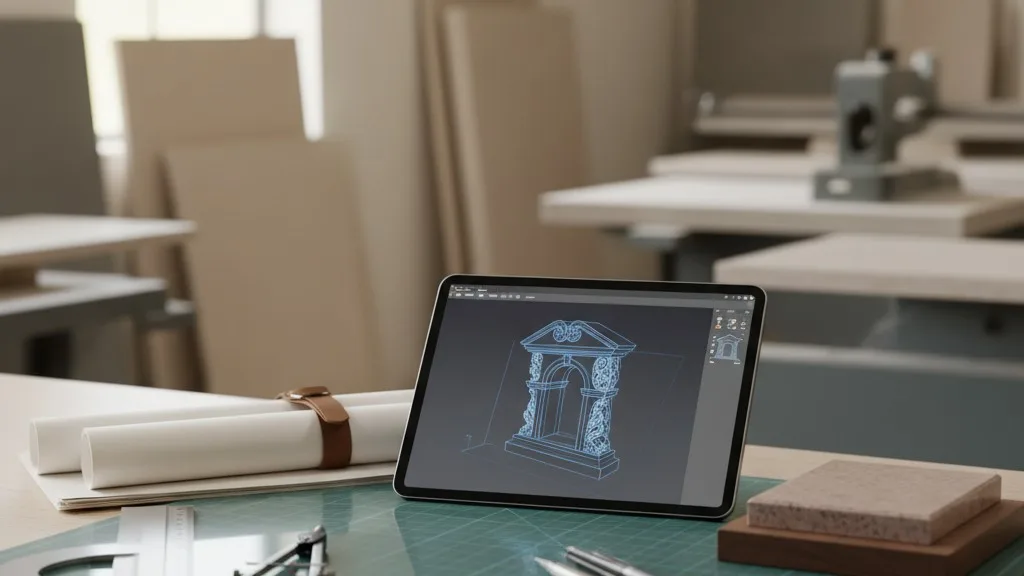
- Custom design elements, such as epitaphs, symbols, and photos for monuments.
Instead of writing this on a carbon-copy form and re-typing it into a separate invoicing program, the software lets you build a quote, convert it to an order, and generate an invoice from a single entry. This eliminates duplicate work and drastically reduces the chance of transcription errors that can lead to costly rework.
Production and Job Tracking
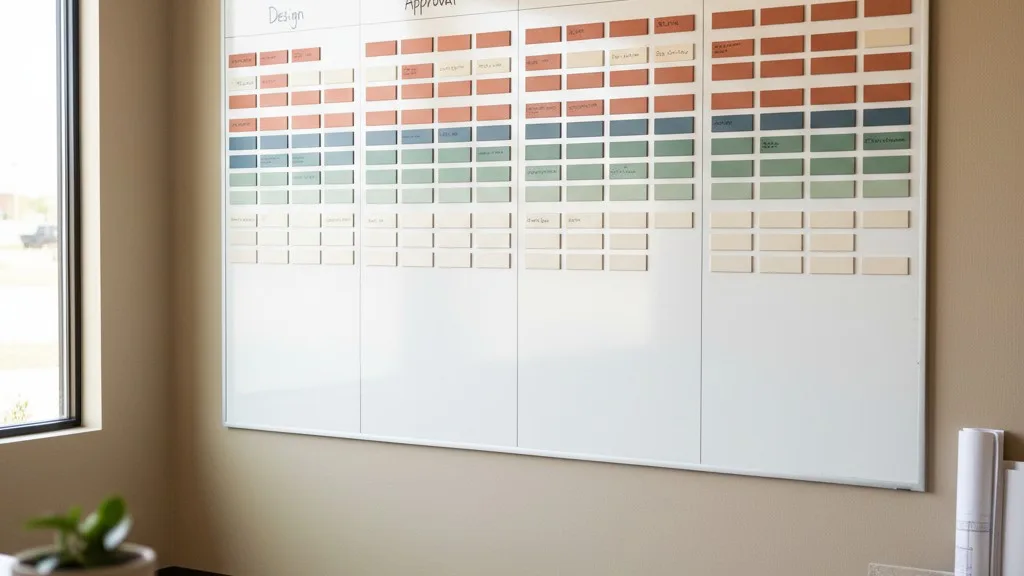
Once an order is placed, the software transitions from a sales tool to a production management system. This is one of the biggest advantages over generic software. A dedicated production module gives your shop manager and technicians a clear view of all active jobs. It allows you to define the specific stages of your workflow and track each order as it moves through them.
For a monument, the stages might be:
- Design Created
- Design Approved by Family
- Stone Pulled from Inventory
- Stencil Cut
- Sandblasting
- Painting/Finishing
- Ready for Delivery
For a burial vault, the process could include stages like pouring, curing, liner installation, and painting. By updating the status of a job in the software, everyone in the company can see its real-time progress without having to walk to the shop floor or interrupt the production manager. This level of monument shop job tracking provides clarity that directly improves efficiency and profitability.
Inventory Management
Managing heavy, bulky, and often unique inventory is a major challenge. Vault and monument software provides tools specifically for this purpose. Unlike a simple spreadsheet list, it offers dynamic inventory control that connects directly to your sales and production processes.
When a monument order is finalized, the system can automatically commit the specified granite slab, removing it from available stock so it can't be sold twice. When a vault is manufactured, the software can track the finished unit and assign it to a specific order. This helps prevent inventory errors that lead to frantic searches for materials you thought you had. It also provides a clear picture of what you have on hand, what's committed to jobs, and what you need to order, helping you make smarter purchasing decisions and reduce carrying costs.
Scheduling and Delivery Logistics
A burial vault delivery is a zero-fail mission. The right vault must be at the right grave at the right time, every time. Specialized software includes scheduling tools built for the unique demands of cemetery logistics. You can create delivery calendars that display all upcoming services, assign specific crews and trucks, and attach critical information to each event.
This information often includes:
- Cemetery name and address with a map link.
- Grave location details (section, lot, space).
- The specific time of the service.
- Contact information for the funeral director on-site.
- Notes on any special equipment needed, such as a particular lowering device or tent size.
This ensures your delivery team has all the information they need in one place, accessible from a tablet or phone in the truck. It reduces reliance on scribbled notes and last-minute phone calls, leading to smoother, more professional service execution.
The Benefits of a Unified System
Adopting specialized software isn't just about digitizing your current process; it's about transforming it. The primary benefit is creating a single source of truth for your entire operation. When your salesperson, designer, shop manager, and delivery driver all access the same data, communication improves dramatically.
This eliminates the constant need for status update meetings, phone calls, and texts. A salesperson can instantly check the production status of a monument for a family without leaving their desk. A manager can see the full delivery schedule for the week to plan staffing. An owner can review order volumes and revenue without having to stitch together reports from three different programs.
Petra, for example, is built to handle both vault and monument workflows within the same system. This is especially valuable for businesses that offer both product lines, as it allows them to manage a single catalog, order process, and production schedule. This unified approach prevents the information silos that form when you run the vault side of the business on one system and the monument side on another.
Integrating with Your Accounting Software
Specialized operations software is not designed to replace your accounting system. A program like QuickBooks Online is the best tool for managing your overall chart of accounts, payroll, and financial reporting. The goal of vault and monument shop software is to work with your accounting software, not against it.

A key feature to look for is a direct integration, such as the one Petra offers with QuickBooks Online. When an order is created or an invoice is paid in your operations software, that financial information is automatically pushed to your accounting system. This eliminates the need for your bookkeeper to manually re-enter sales data, which saves a significant amount of time and prevents costly data entry errors. This connection keeps your financial records and your operational reality perfectly aligned.
How to Choose the Right Software
Choosing the right software is a significant decision. The best system is one that matches the way your shop actually works. Start by mapping out your current workflow, from the first phone call to the final invoice. Identify the points of friction—where do errors happen? Where do communication breakdowns occur? Where does your team waste the most time?
Look for a provider who understands the industry. Software built by people with firsthand experience in vault and monument operations will have features that address the real-world challenges you face. Be wary of generic business management platforms that claim to work for any industry; they rarely have the specific tools needed for production tracking, cemetery logistics, or custom monument design approvals.
Finally, ask for a live demonstration with your team. A demo allows you to see the software in action and ask questions related to your specific workflow. Can it handle your multi-stage vault production process? Can it track remnants from a cut slab? Seeing is believing, and it's the best way to determine if a system is a good fit for your business.
Conclusion: Moving Beyond Paper and Spreadsheets
Vault and monument shop software provides a central, reliable system for managing the complexities of your business. By moving away from disconnected paper forms and spreadsheets, you can reduce errors, streamline production, and provide a better experience for both your team and the families you serve. It gives you the clarity and control needed to protect your margins, improve efficiency, and build a more resilient operation.
If you're ready to see how a system designed specifically for vaults and monuments can help your shop, we invite you to schedule a conversation with our team to see if Petra is the right fit for you.